One mentor, five places where it works
This is not a set of separate tools. It is Milo, who knows your rules, and the places where it checks them with you: before the session, during it, after a loss and in the evening.
Milo in your analysis: before, during and after the trade
You upload a chart screenshot and describe what you see. Milo checks it against your method: what matches your rules, what is missing, what you should ask yourself. It doesn't tell you what to buy. It asks whether this entry comes from the plan.
- Pre-session analysis, intraday analysis and single-trade review
- Feedback against your own method and setups, not generic rules
- A trade from a screenshot: Milo reads the data from the image
- Chat with Milo: 50 chats and analyses per day on Basic, 100 on Pro
- Three sentences on top (what went right, one thing, one step), the rest under “Expand”
- Ideas from Milo: suggestions computed from your data, with a “Do it” button
- Session plan with scenarios from your pre-session analysis (Pro plan)
- Analyses you can listen to like a voice message (Pro plan)
Milo: Three of the five conditions of your setup. I don't see confirmation on a closed candle. Are you waiting for it or skipping it?
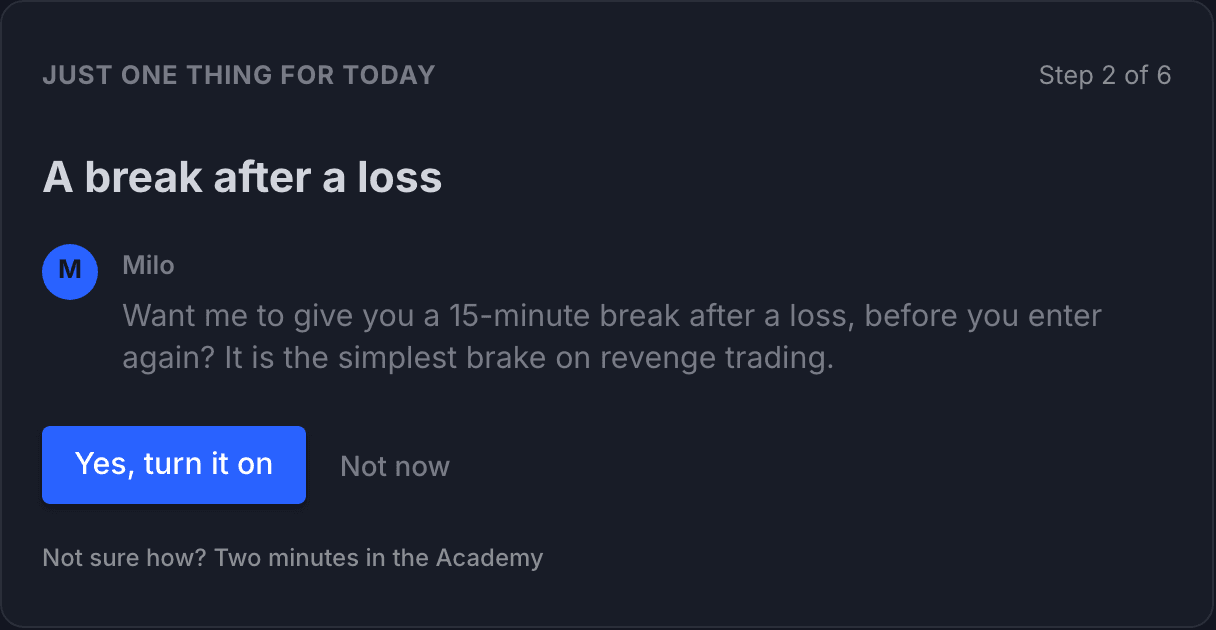
Risk Guardian and the post-loss break
You set a daily loss limit and a trade count limit. The Risk Guardian watches them during the session, and after a loss Milo offers a break with one tap. With TopstepX connected, the guardian works on real fills from your account, not on declarations.
- A daily loss limit and a trade count limit that you set yourself
- Post-loss break: an offer from Milo, turned on with one tap
- With TopstepX: an entry right after a loss, a position with no stop, a losing streak, trading after the day is closed
- A conversation instead of a red alert: Milo asks before you click
- A trading lockout on your TopstepX account after the day closes, if you turn it on
- The platform places no orders and does not change your limits at the broker
Journal: from your account, a screenshot or by hand
People keep a journal as long as it's green. That is why, with TopstepX connected, trades come in by themselves during the session. All of them. Without a broker you add an entry from a screenshot or by hand, in a minute.
- TopstepX trades land in the journal by themselves, on every plan
- An entry from a screenshot or by hand
- Today: a day timeline with preparation, trades and conversations with Milo
- “Today I'm watching: …”: one thing for today, not five; when empty, Milo suggests one
- How are you today? A short self-check before the session
- Morning brief and a summary of the day
- Unlimited journal entries and data export
Your progress: a score for the process, not the result
A green trade can be a bad decision and a red one a good decision. That is why you measure the process: whether entries were inside the plan, what repeats and what you are working on now. Result statistics are here too, but they are not the measure.
- Process score: whether you traded by your own plan
- Growth areas (Pro plan): a short list of things you are working on now
- Patterns that repeat, with a counter
- Trade statistics per setup and instrument
- A recap of every week and a letter from Milo every month
Milo's Memory and deep analysis of your day
On Pro, Milo remembers you between sessions: lessons, patterns with counters and hypotheses with evidence. Every evening it reads your day and saves a lesson from it, on Sunday it looks at the whole week, and in the morning it hands you one thing to watch.
- Milo's Memory: lessons, patterns with counters, hypotheses
- Deep analysis of your day every evening and of your week on Sunday, included in Pro
- Three sentences on top, the whole thing to listen to (“Listen to the whole thing”)
- Sentences rated one by one: accurate, inaccurate, not sure. Your rating changes the confidence of the next analyses
- In the morning Milo says plainly when yesterday's level of its own didn't work (with TopstepX connected)
- See what Milo remembers about you and correct or delete it
- A second look: an independent review of your TopstepX trades
- One switch in Settings turns it on and off
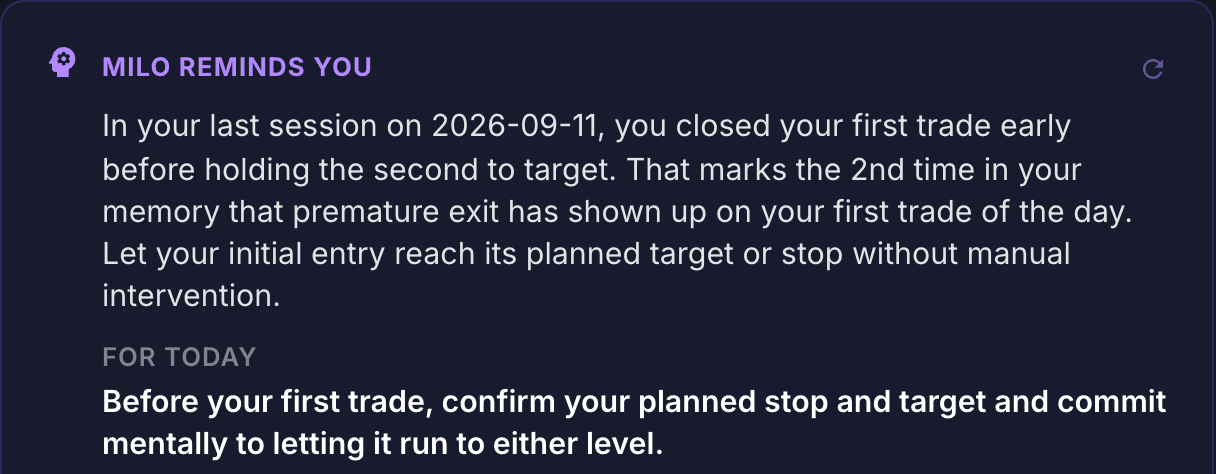
Milo coaches your process. It does not tell you what to buy or sell.
See plans